Sony PlayStation®5 DualSense Charging Station (CFI-ZDS1G)
Product Description:
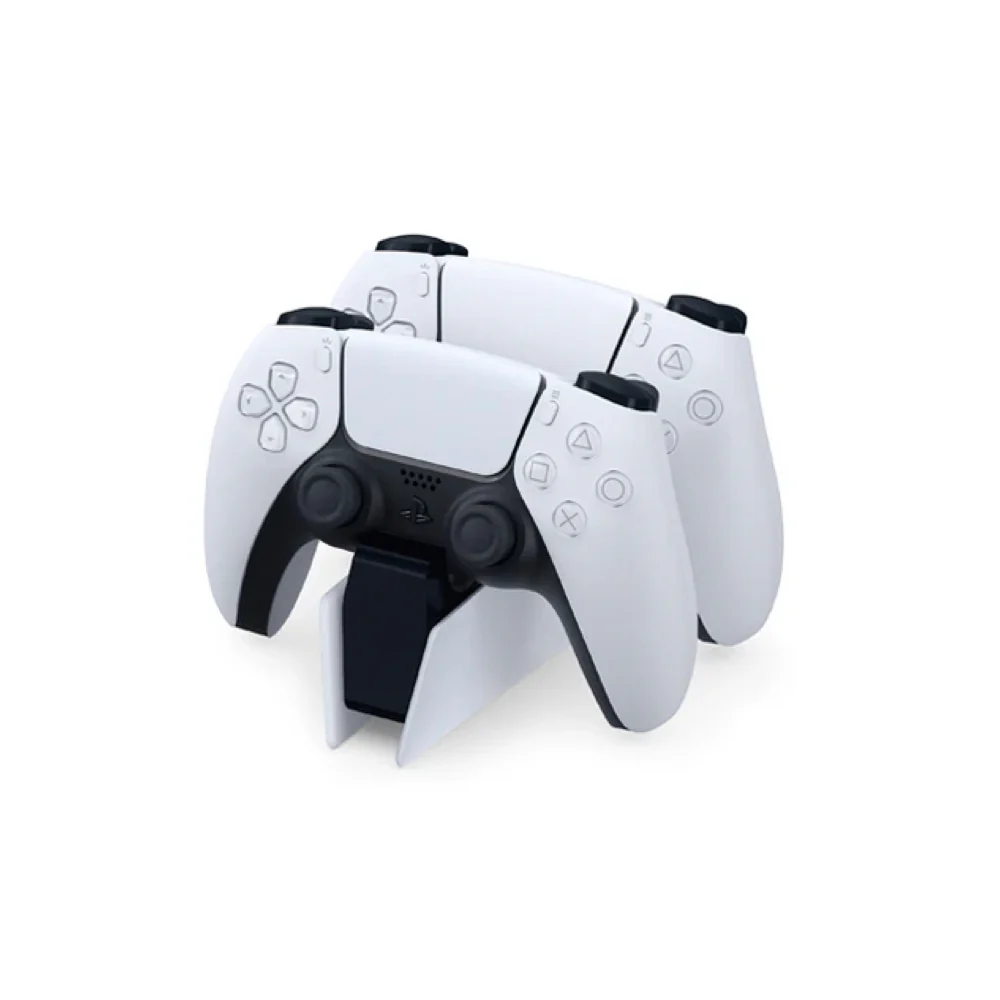
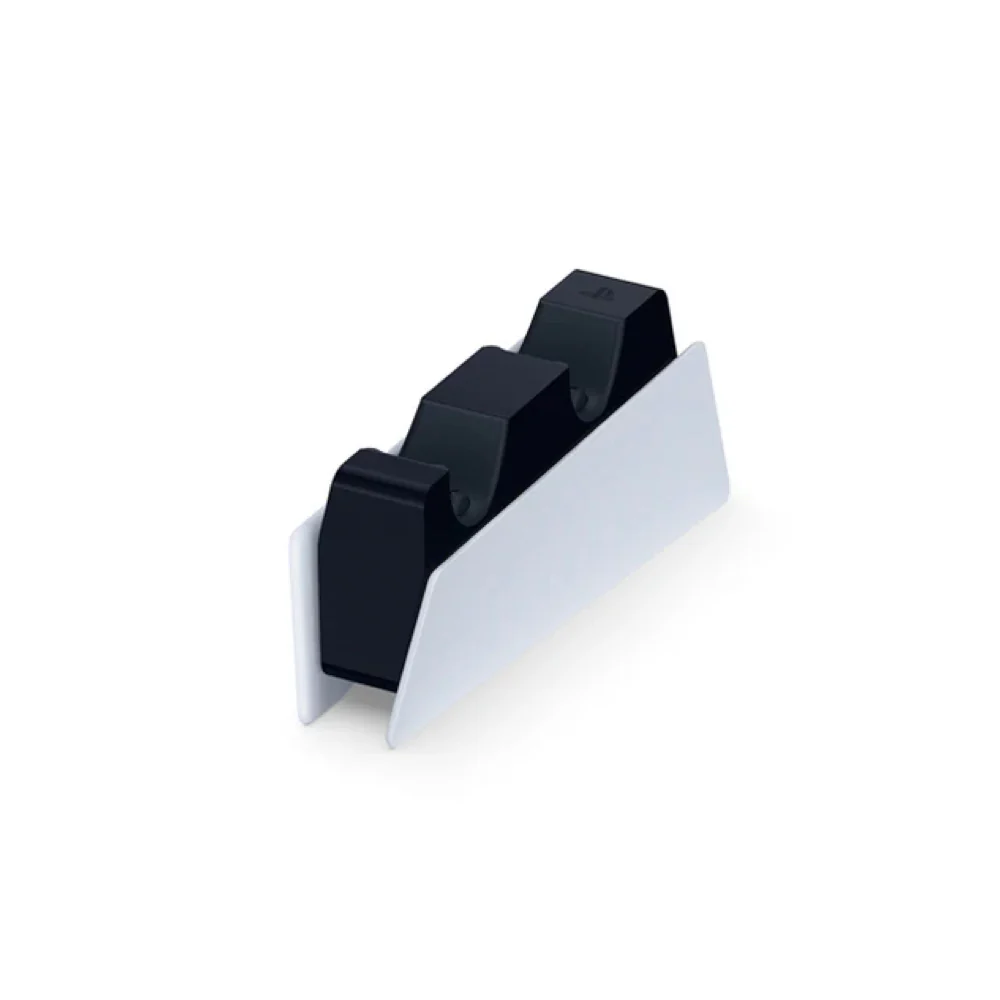
Charge up to two DualSense™ or DualSense Edge™ wireless controllers at the same time without having to connect them to your PlayStation®5 console.
*DualSense™ and DualSense Edge™ wireless controllers sold separately.
Product Features:
Click. Charge. Play.
Click-in design: Dock up to two DualSense™ or DualSense Edge™ wireless controllers effortlessly with the charging station’s click-in design – and leave them to charge at your convenience.
Free up USB ports: Your controllers charge as quickly as when connected to your PS5™ console – so you can free up USB ports without reducing performance.
Original: $36.61
-65%$36.61
$12.81More Images
Sony PlayStation®5 DualSense Charging Station (CFI-ZDS1G)
Product Description:
Charge up to two DualSense™ or DualSense Edge™ wireless controllers at the same time without having to connect them to your PlayStation®5 console.
*DualSense™ and DualSense Edge™ wireless controllers sold separately.
Product Features:
Click. Charge. Play.
Click-in design: Dock up to two DualSense™ or DualSense Edge™ wireless controllers effortlessly with the charging station’s click-in design – and leave them to charge at your convenience.
Free up USB ports: Your controllers charge as quickly as when connected to your PS5™ console – so you can free up USB ports without reducing performance.
Product Information
Product Information
Shipping & Returns
Shipping & Returns
Description
Product Description:
Charge up to two DualSense™ or DualSense Edge™ wireless controllers at the same time without having to connect them to your PlayStation®5 console.
*DualSense™ and DualSense Edge™ wireless controllers sold separately.
Product Features:
Click. Charge. Play.
Click-in design: Dock up to two DualSense™ or DualSense Edge™ wireless controllers effortlessly with the charging station’s click-in design – and leave them to charge at your convenience.
Free up USB ports: Your controllers charge as quickly as when connected to your PS5™ console – so you can free up USB ports without reducing performance.