🚚 Free Worldwide Shipping on All Orders!Shop Now

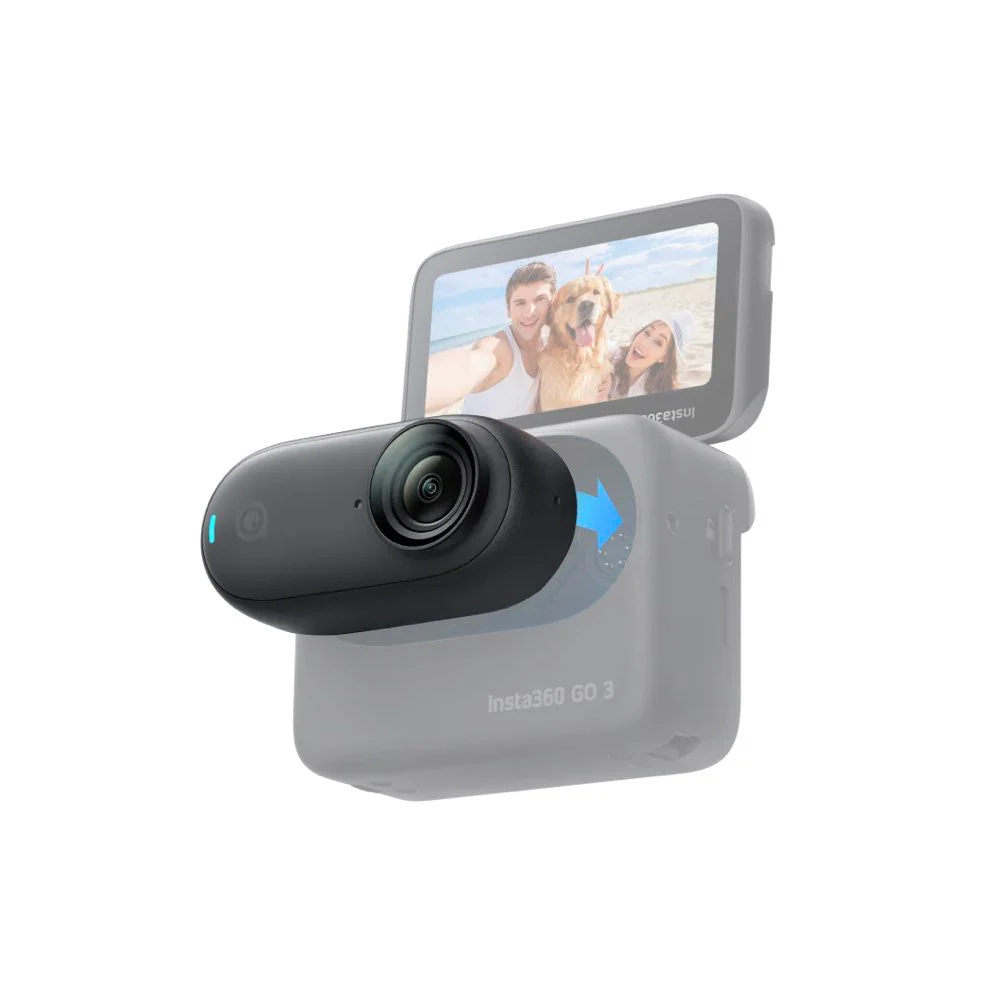
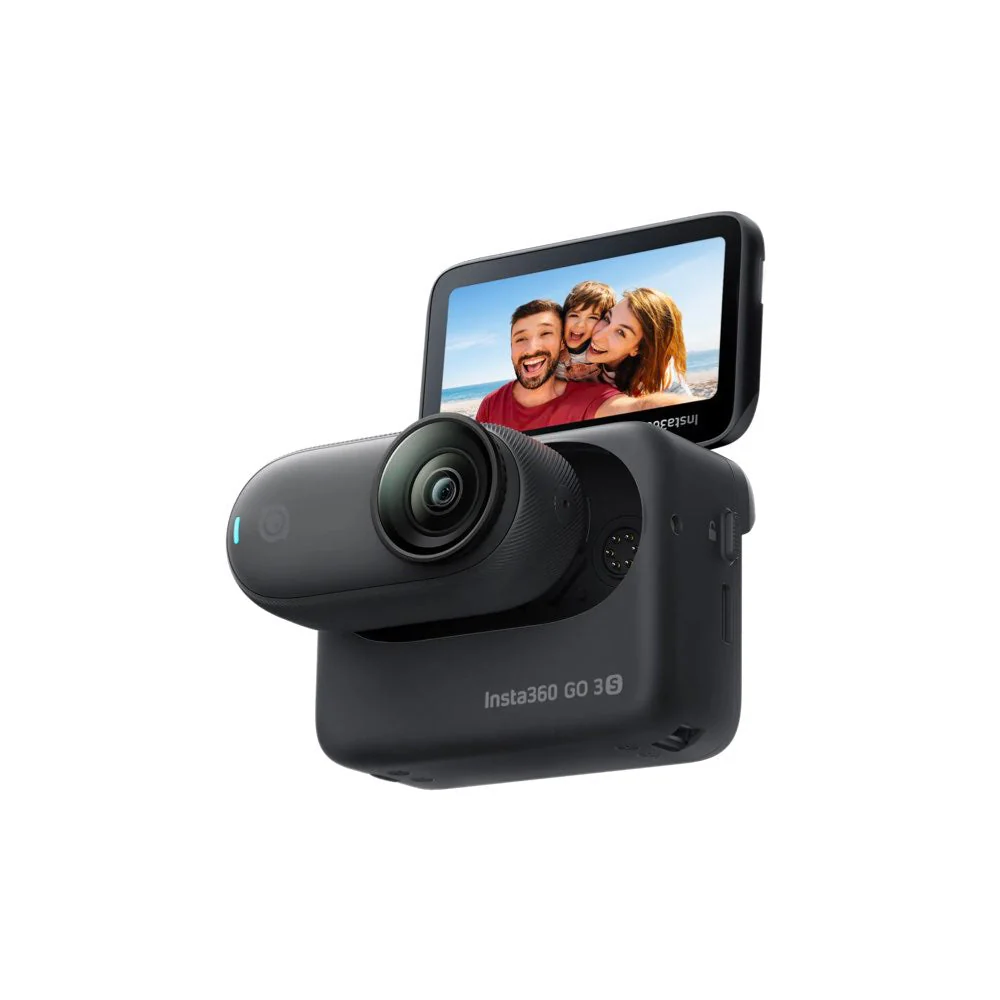
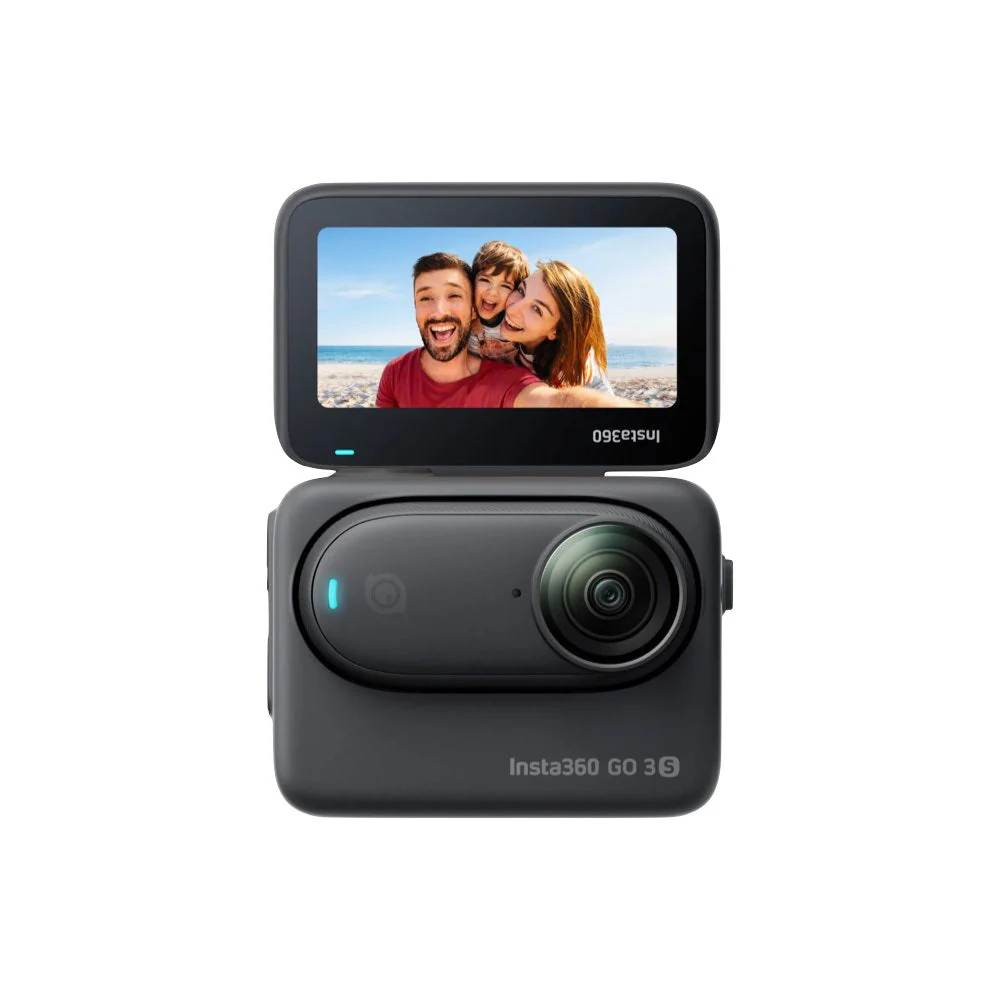
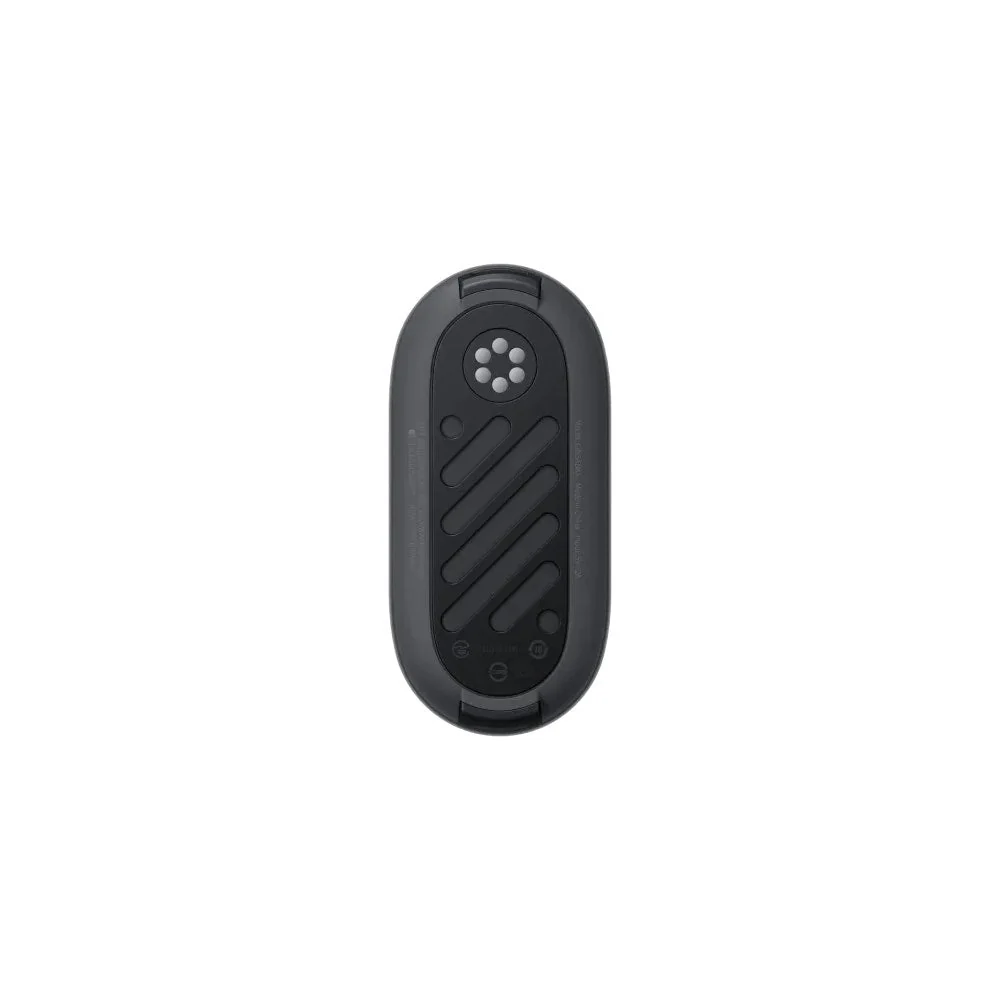
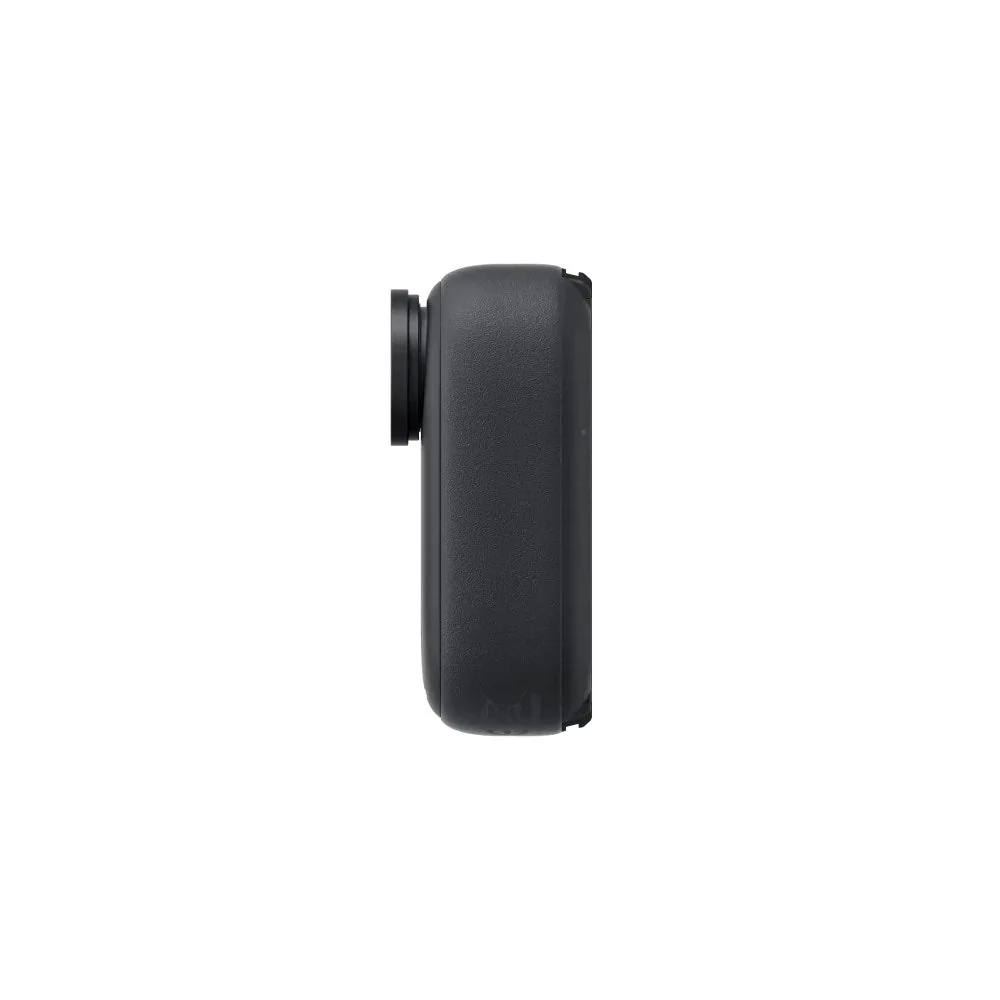
Insta360 GO 3 Standalone Camera
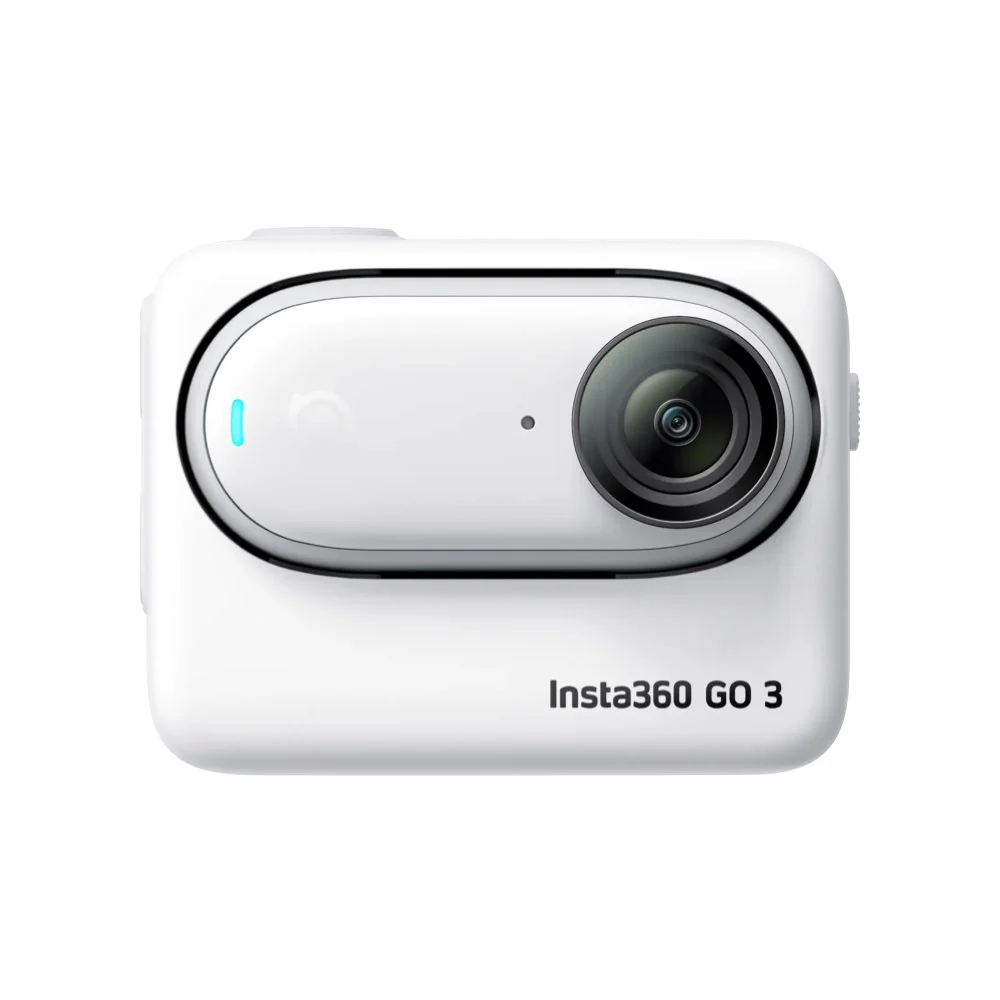
- Spare or replacement GO 3 Standalone Camera, prepared exclusively for GO 3 users.
- Includes: 1x GO 3 Standalone Camera, 1x GO 3 Lens Guard (pre-installed on the lens).
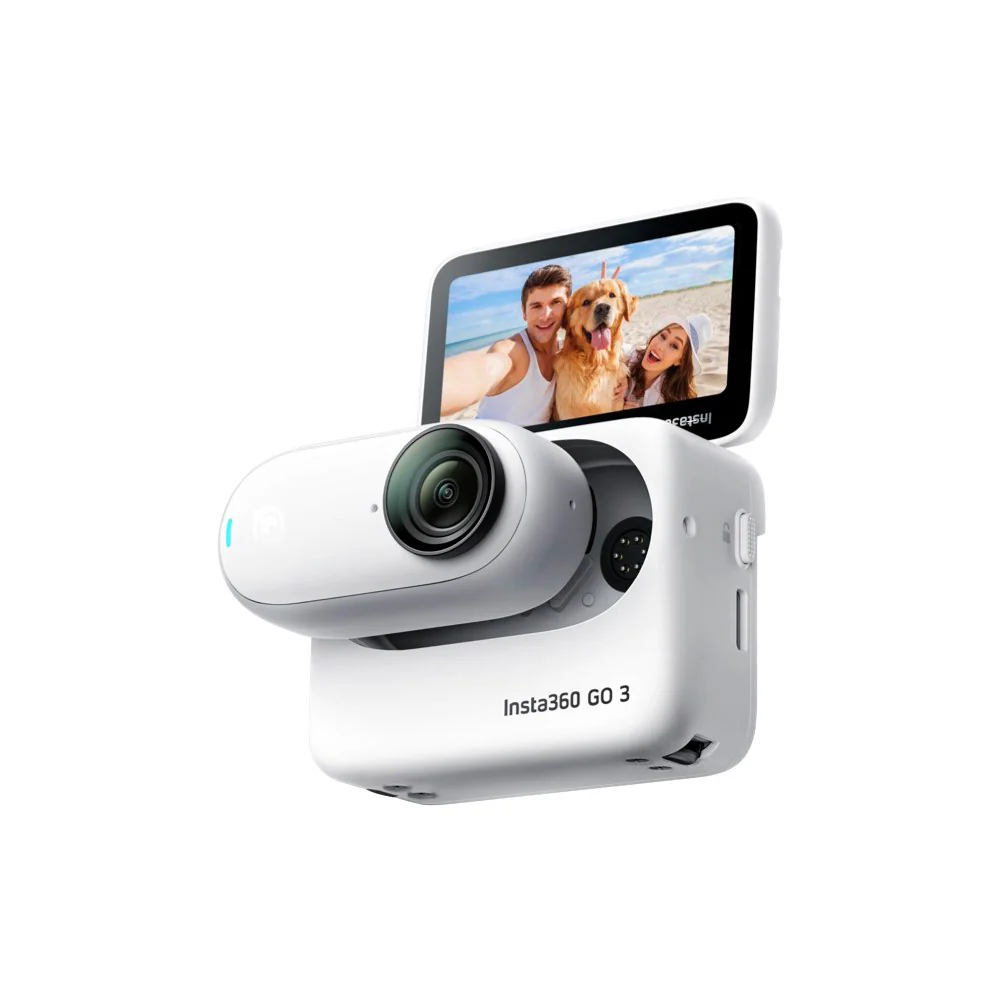
- Note: The GO 3 Standalone Camera must be paired with an Action Pod. This only includes the spare or replacement GO 3 Standalone Camera, it does not include the Action Pod or any other accessories. To purchase a regular GO 3 kit with Action Pod and accessories, check out the GO 3 page.
- Pairing Methods
- Turn On Camera: Press and hold the button on the GO 3 Standalone Camera for 2 seconds to turn the camera on. Press the Power Button to turn on the the Action pod.
- Pairing: Put the GO 3 Standalone Camera into the Action Pod. When the Action Pod displays a real-time preview from the GO 3 Standalone Camera, the devices have successfully been paired.
- Update: If "Firmware incompatibility" appears on screen, please follow the instructions to update the firmware. Pairing will work normally after the update.
$154.69
Original: $441.96
-65%Insta360 GO 3 Standalone Camera—
$441.96
$154.69More Images
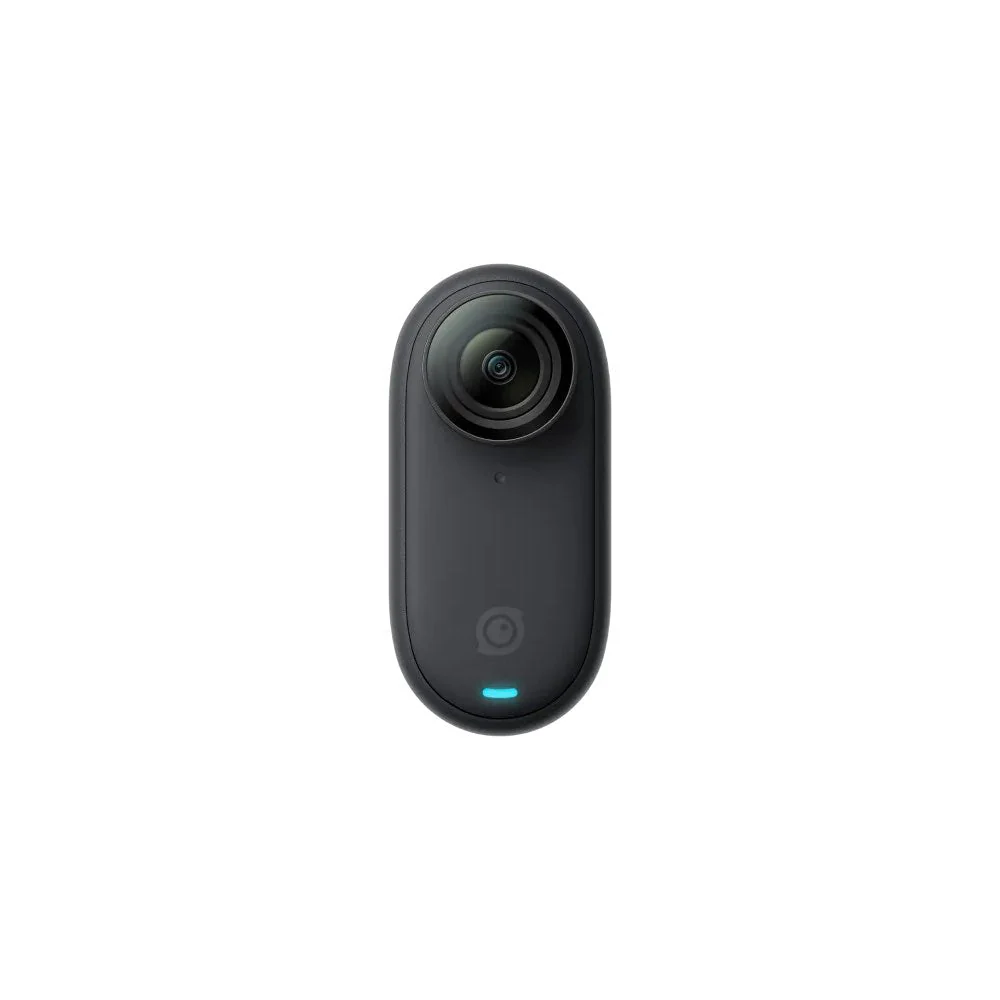
Insta360 GO 3 Standalone Camera
- Spare or replacement GO 3 Standalone Camera, prepared exclusively for GO 3 users.
- Includes: 1x GO 3 Standalone Camera, 1x GO 3 Lens Guard (pre-installed on the lens).
- Note: The GO 3 Standalone Camera must be paired with an Action Pod. This only includes the spare or replacement GO 3 Standalone Camera, it does not include the Action Pod or any other accessories. To purchase a regular GO 3 kit with Action Pod and accessories, check out the GO 3 page.
- Pairing Methods
- Turn On Camera: Press and hold the button on the GO 3 Standalone Camera for 2 seconds to turn the camera on. Press the Power Button to turn on the the Action pod.
- Pairing: Put the GO 3 Standalone Camera into the Action Pod. When the Action Pod displays a real-time preview from the GO 3 Standalone Camera, the devices have successfully been paired.
- Update: If "Firmware incompatibility" appears on screen, please follow the instructions to update the firmware. Pairing will work normally after the update.
Product Information
Product Information
Shipping & Returns
Shipping & Returns
Description
- Spare or replacement GO 3 Standalone Camera, prepared exclusively for GO 3 users.
- Includes: 1x GO 3 Standalone Camera, 1x GO 3 Lens Guard (pre-installed on the lens).
- Note: The GO 3 Standalone Camera must be paired with an Action Pod. This only includes the spare or replacement GO 3 Standalone Camera, it does not include the Action Pod or any other accessories. To purchase a regular GO 3 kit with Action Pod and accessories, check out the GO 3 page.
- Pairing Methods
- Turn On Camera: Press and hold the button on the GO 3 Standalone Camera for 2 seconds to turn the camera on. Press the Power Button to turn on the the Action pod.
- Pairing: Put the GO 3 Standalone Camera into the Action Pod. When the Action Pod displays a real-time preview from the GO 3 Standalone Camera, the devices have successfully been paired.
- Update: If "Firmware incompatibility" appears on screen, please follow the instructions to update the firmware. Pairing will work normally after the update.